

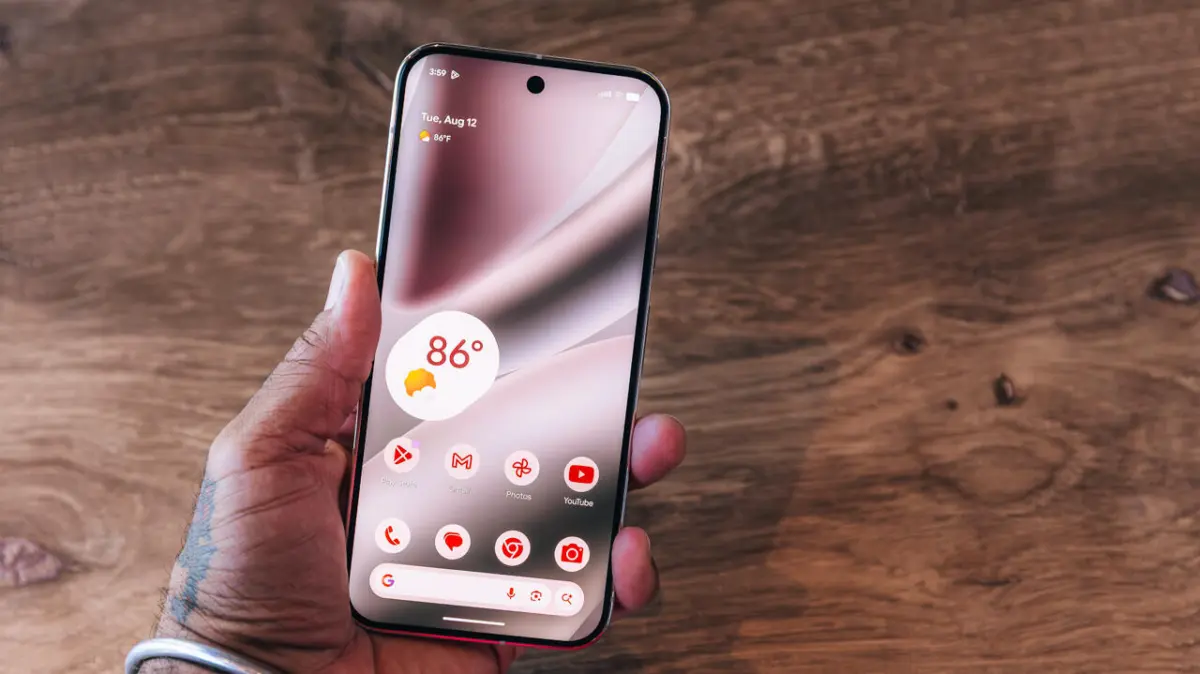
The release of Android 17 marks a significant milestone in the evolution of mobile operating systems, introducing a highly anticipated productivity feature: the ability to "bubble" any application. Originally conceived as a method for managing text conversations, the "bubble" functionality has been expanded in the latest Android iteration to encompass full application interfaces. This development allows users to transform standard apps into floating, persistent icons that sit atop the user interface, facilitating a more fluid multitasking experience. As part of the broader Android 17 rollout and the concurrent June Pixel Drop, this feature aims to bridge the gap between mobile and desktop-style window management, providing users with unprecedented control over their screen real estate.
The Evolution of Multitasking on the Android Platform
To understand the significance of app bubbling in Android 17, it is necessary to examine the chronology of Android’s multitasking capabilities. For over a decade, Google has experimented with various ways to allow users to interact with multiple apps simultaneously.
The journey began with basic task switching, followed by the introduction of Split Screen mode in Android 7.0 Nougat (2016). While Split Screen was a major step forward, it was often criticized for its rigid layout and the limited screen space available on smaller handheld devices. In 2017, Android 8.0 Oreo introduced Picture-in-Picture (PiP) mode, which allowed video players and navigation apps to shrink into a small window. However, PiP was restricted to specific categories of apps.
The true precursor to the current update arrived with Android 11 in 2020. This version introduced "Bubbles" for messaging apps. Based on the "Chat Heads" concept popularized by Facebook Messenger, this feature allowed users to keep active text threads in a floating circle. While useful, it was limited by the requirement that developers specifically implement the Bubbles API. Android 17 removes these barriers, extending the floating window capability to virtually any application installed on a device, regardless of its primary function.
Technical Implementation and Functional Limits
The new app bubbling feature is designed to be intuitive yet powerful. By allowing up to five applications to be "bubbled" simultaneously, Android 17 caters to power users who need to monitor social media feeds, calculators, or notes while engaged in other primary tasks.

When an app is bubbled, it is reduced to a circular icon that can be dragged along the vertical edges of the screen. When tapped, the icon expands into a floating window that covers a portion of the screen without closing the background application. This is particularly beneficial for tasks that require frequent cross-referencing, such as transferring data from a browser into a spreadsheet or monitoring a live sports score while composing an email.
One of the technical constraints of the current rollout is the grouping of bubbled apps. While users can have multiple apps in this state, the icons move as a unified stack rather than individual elements scattered across the screen. This design choice prevents the home screen from becoming cluttered and ensures that the "floating" layer remains manageable.
Step-by-Step Guide to App Bubbling on Google Pixel Devices
As of the initial rollout, the universal app bubbling feature is exclusive to Google’s Pixel lineup, though it is expected to be integrated into the base Android Open Source Project (AOSP) for other manufacturers in future updates.
1. Accessing the App Source
Users must first locate the application they wish to bubble. This can be done through the standard Home Screen or by swiping up to access the App Drawer. The feature is compatible with most third-party and system applications.
2. The Long-Press Interaction
Once the desired app icon is located, the user must perform a long-press (press and hold). This action triggers a context menu. Previously, this menu was limited to "App Info," "Pause App," and "Widgets." In Android 17, a new "Bubble" option appears within this list.
3. Activating the Floating State
Upon selecting "Bubble," the application window will minimize into a floating icon. This icon automatically snaps to the nearest side of the display.

4. Positioning and Management
The user can drag the bubble to any vertical position along the left or right margins of the screen. To close a bubble, the user typically drags the icon to a designated "X" or "Remove" zone at the bottom of the screen, similar to the gesture used for dismissing notification bubbles in previous Android versions.
Samsung’s Alternative: Smart Pop-Up View
While Google is just now introducing universal bubbling to the Pixel line, Samsung has long offered a similar feature through its One UI skin. Known as "Smart Pop-Up View," this feature provides Galaxy users with comparable functionality, albeit through a different settings path.
To enable this on a Samsung Galaxy device, users must navigate through the following hierarchy:
- Settings: Open the primary system settings.
- Notifications: Select the notifications sub-menu.
- Advanced Settings: Locate the "Floating Notifications" section.
- Smart Pop-Up View: Select this option and then choose "Included Apps."
Samsung’s implementation allows users to select specific apps that will automatically trigger a floating bubble when a notification is received. This differs slightly from Google’s manual "long-press" approach, highlighting the different philosophies between the two manufacturers regarding user intent and automation.
Market Analysis and Industry Implications
The introduction of app bubbling in Android 17 is viewed by industry analysts as a strategic move to enhance the utility of large-screen devices, such as foldables and tablets. With the rise of the Pixel Fold and the Pixel Tablet, Google has a vested interest in making multitasking more robust.
Impact on the Foldable Market
On foldable phones, screen real estate is at a premium. The ability to have a floating calculator or a small notepad over a large internal display significantly increases productivity. Analysts suggest that this software update makes the Pixel Fold a more formidable competitor to the Samsung Galaxy Z Fold series, which has historically led the market in software-based multitasking features.

RAM Management and Performance
From a technical standpoint, running five apps in a floating state requires significant hardware resources. Android 17 includes optimizations for background process management to ensure that "bubbled" apps do not cause system lag or excessive battery drain. This is likely why the feature is debuting on the Pixel series first, as Google can tightly integrate the software with its proprietary Tensor chips.
Official Responses and User Feedback
While Google has not released a formal statement regarding the specific developer requirements for this feature, early documentation suggests that it utilizes the "Freeform Windows" API that has been hidden in Android’s developer options for several years. By bringing this to the forefront, Google is signaling a shift toward a more windowed environment.
User feedback from the Android 17 Beta program was overwhelmingly positive regarding the flexibility of the bubbles. However, some testers noted that certain apps, particularly those with high-security requirements like banking apps, may opt-out of the bubbling feature to prevent screen-scraping or unauthorized overlays.
Chronology of Android Multitasking Milestones
- Android 1.0 – 6.0: Basic single-app focus with task switching via the "Recents" button.
- Android 7.0 (2016): Official introduction of Split Screen mode.
- Android 8.0 (2017): Introduction of Picture-in-Picture (PiP) for video.
- Android 11 (2020): Launch of Notification Bubbles for messaging apps.
- Android 12L (2022): Optimized taskbar and multitasking for tablets and foldables.
- Android 17 (2025): Universal App Bubbling launches as a Pixel exclusive feature.
Conclusion: The Future of the Mobile Interface
The rollout of app bubbling in Android 17 is more than just a minor UI update; it represents a fundamental shift in how Google envisions mobile interaction. As smartphones become more powerful, the traditional "one app at a time" model is becoming obsolete. By normalizing floating windows, Google is preparing users for a future where mobile and desktop operating systems continue to converge.
As this feature eventually trickles down to other manufacturers like OnePlus, Xiaomi, and Motorola, it is expected to become a standard expectation for mobile productivity. For now, Pixel users remain the primary beneficiaries of this "June Pixel Drop" highlight, gaining a tool that turns a standard smartphone into a more capable, multi-window workstation. This update reinforces the notion that the modern smartphone is no longer just a communication device, but a sophisticated computing platform capable of handling complex, simultaneous workflows.
